






Translations: all language versions in one place
Instructions on how to translate your content.
Note! Add news to the Student Guide only if:
When adding a news article to the Student Guide, click "Content" in the top left corner and select "Add content" from the drop-down menu, then choose "News". You can also use the news article template for cloning.
Use keywords (tags) to ensure your news reaches the right student group. The tags and category for the Student Guide are predefined (more information below).
Remember to tick the "Student Guide" box at the bottom of the page, as this will make the news appear in the Student Guide news feeds. When selecting the publicity for your news article remember that all news intended for the Student Guide are public for everyone.
If you want to create news for both aalto.fi and the Student Guide, please read the detailed instructions below.
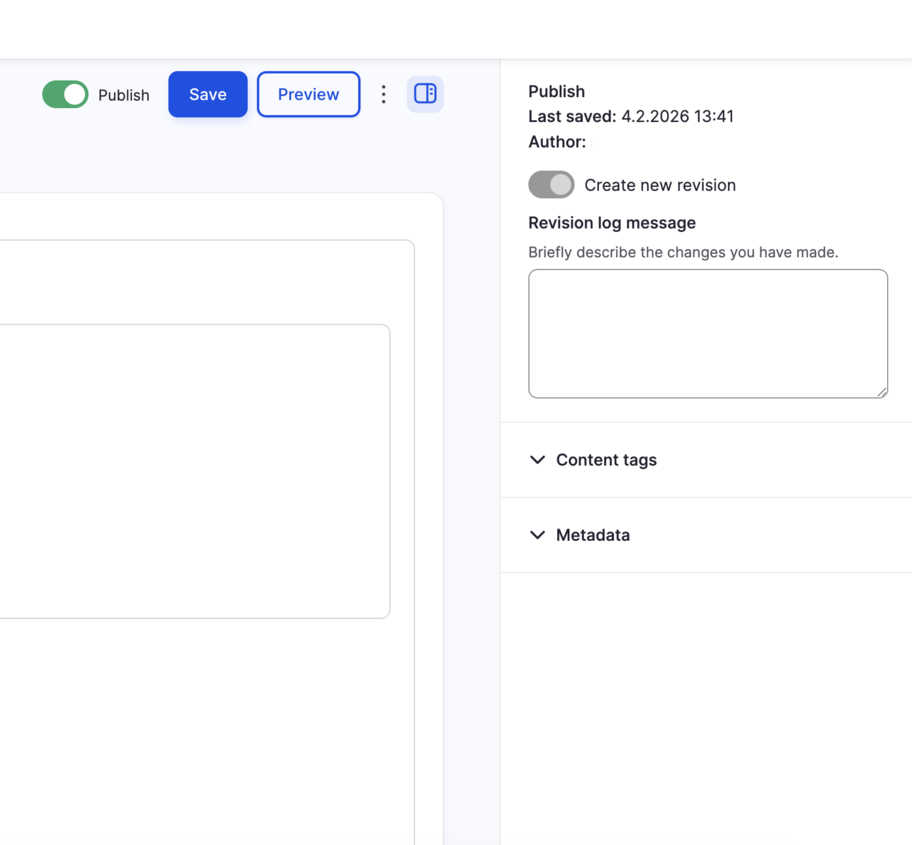
On aalto.fi, all tags and metadata are selected in the right-hand side bar. If the side bar is collapsed, you can expand it by clicking the icon at the bottom-right corner.
Relates to
Category
Select "Studies" unless you want the news to also appear in other news feeds outside the Student Guide.
You can utilise automatic tag selection for selecting tags:
Review the automatically selected tags and check that they are suitable for the page. Add or remove tags manually as needed.
Tags: Select the student group that the news article is aimed at. You can use multiple tags.
Schools: ARTS, BIZ, CHEM, ELEC, ENG, SCI

Tick the "Student Guide" option at the end of the page so that the news appears in the Student Guide. See the image below.
Finally, save your news article by clicking "Save" at the top right corner of the page. Then publish it by clicking "Publish" at the top of the page.

It is highly important to remember to check this box at the end of the page.
If you are creating a news article for aalto.fi and want it to also appear in the Student Guide (or vice versa), tick the 'Student Guide public' option at the bottom of the page. This option will automatically tick the 'Student Guide' option above it as well. Please note that all news articles in the Student Guide must be public and available in three languages.
Read more

At the bottom of the page, you can choose to have your news appear both on aalto.fi and in the Student Guide.

Instructions on how to translate your content.
Read more about automatic liftups, tagging and Drupal in general.
Tags and other metadata help categorise content by topic (tags), define which hub a page belongs to (Content type) and provide information for listing filters and automatic liftups (tags, Relates to and Category). This page explains the purpose of each aalto.fi metadata field.

Automatic liftup components are used to create automatically updating feeds of articles, news or events. Automatic liftups are filtered based on metadata, such as tags and categories. Learn how to create automatic liftups.

Here, you can find instructions on how to make the most out of aalto.fi to visualise your pages and make your content findable. This page is also for the latest Drupal news and events.


