






Drupal: Aalto.fi website
Here, you can find instructions on how to make the most out of aalto.fi to visualise your pages and make your content findable. This page is also for the latest Drupal news and events.
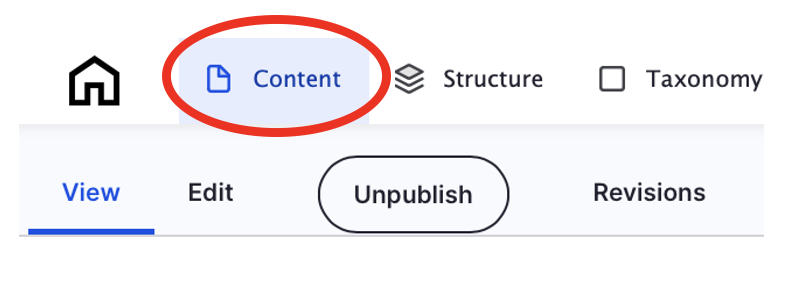
Use your Aalto ID to sign in (upper right-hand corner), then click on "Content" in the top left-hand corner.
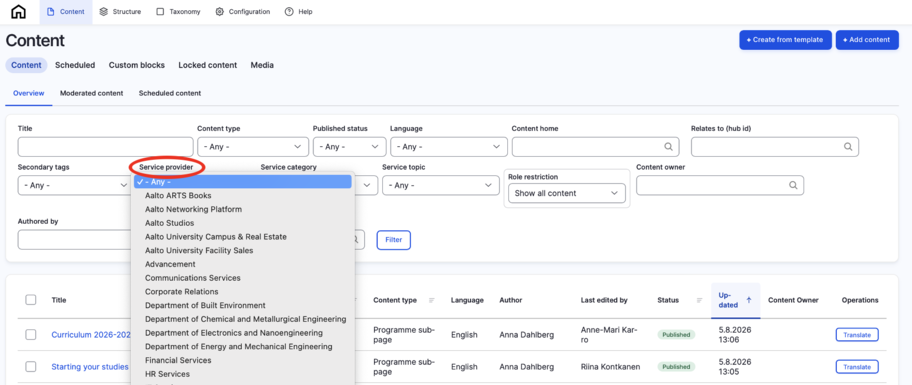
You will enter aalto.fi's finder view to find the content you are looking for. Navigate to “Service Provider” and look for your department/unit. Click on “Filter”.
You can also search content you have created or edited by your name. You can also search content by the name of the content owner. See instructions and screen shots from the link below.
By clicking the heading of an article, you can access the actual content.

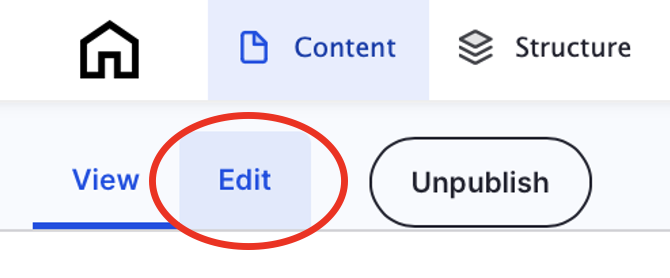
Now that you have found your service content, you can start to edit it, if needed. Click on the heading of a service page. When on the actual service page, click on the tab “Edit”. Make the necessary edits and finally click on "Save".
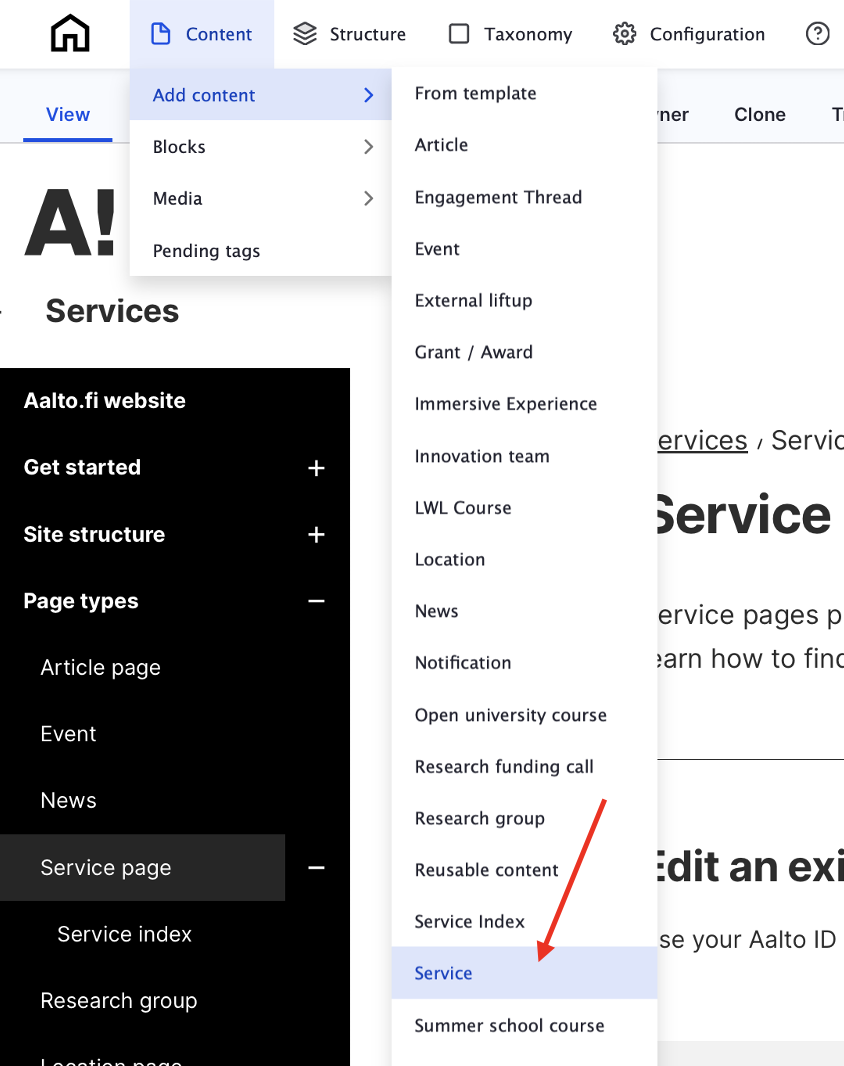
Hover your mouse over "Content" in the upper left-hand corner and select from the drop-down menu "Add content" and "Service":
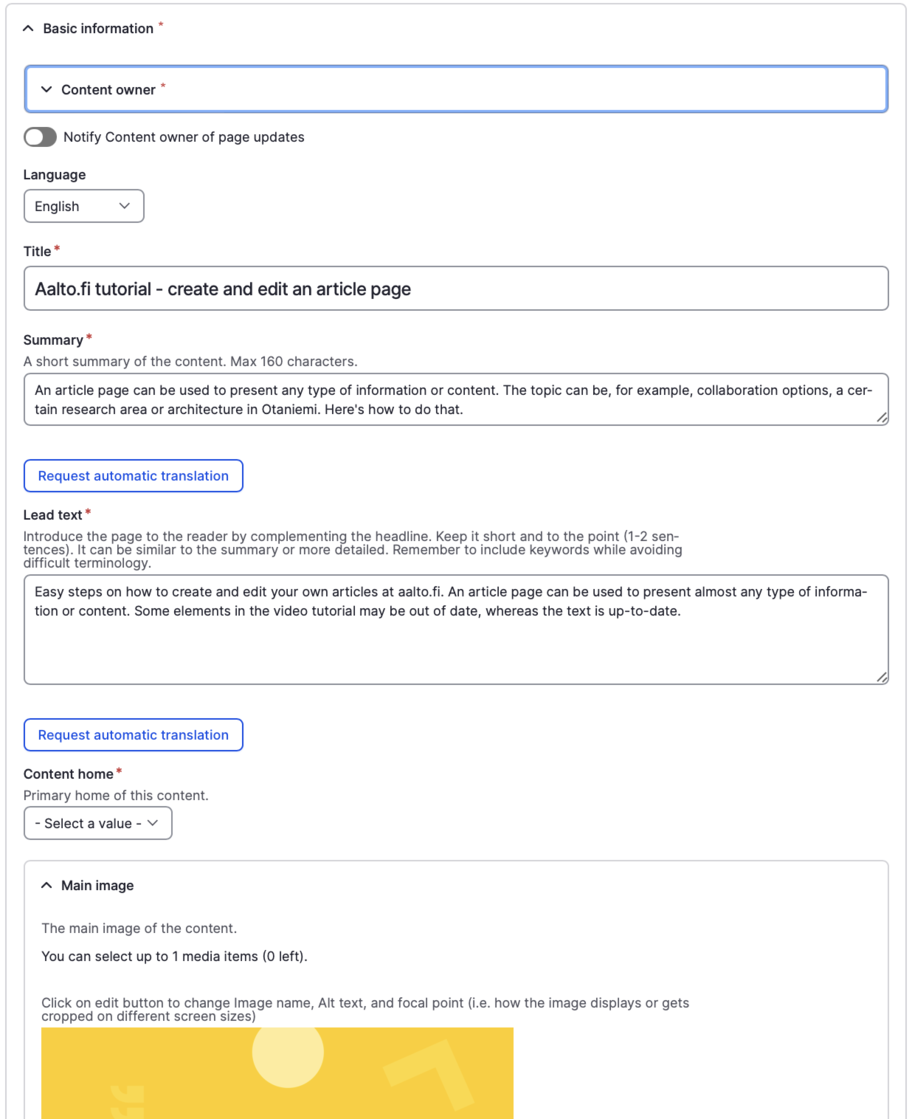
All service pages live automatically in the Services hub.
Note
"Relates to" option does not lift up the service to the chosen hubs/research groups. To make the service page visible in another hub and/or research group page, after creating the service page to Services hub, go back to the other hubs/research group pages to create the actual service liftup by using components like "Single liftup" or "Manual liftups".
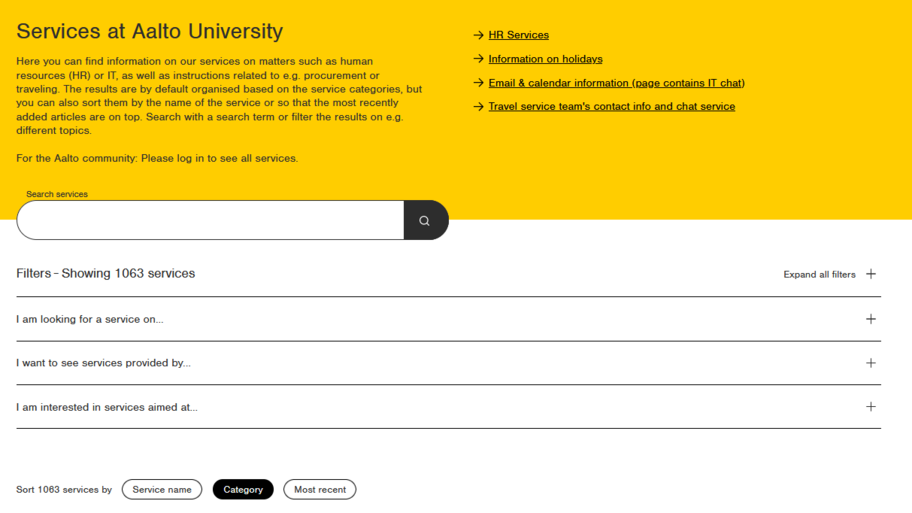
Finally, save the service by clicking on "Save". Your service is saved as unpublish. To publish it, click on "Publish" on the far right-hand side.
Create translations for the service by using the "Translate" tab above the service page.

Here, you can find instructions on how to make the most out of aalto.fi to visualise your pages and make your content findable. This page is also for the latest Drupal news and events.
Tags and other metadata help categorise content by topic (tags), define which hub a page belongs to (Content type) and provide information for listing filters and automatic liftups (tags, Relates to and Category). This page explains the purpose of each aalto.fi metadata field.