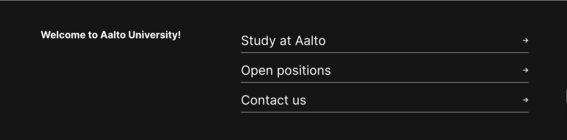
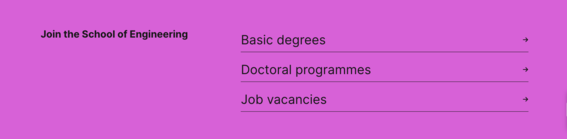
Quicklinks and Highlight quicklinks components
Quicklinks components can be used on aalto.fi to draw attention to important paths forward.
Quicklinks component
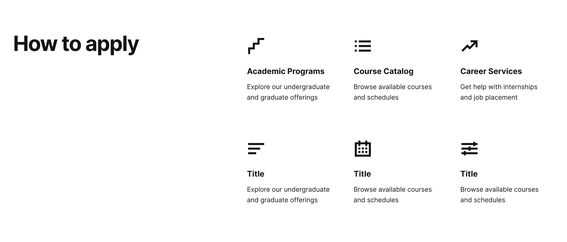
Quicklinks are used for the most relevant links on the page. The component includes a title, 2 to 6 links with icons, link titles and possible description text.
The Quicklinks component can be used on the following content types:
- Hub
- Article
- Service
- Innovation team
- Research group
- Immersive experience
Examples of the component with different amount of links and with and without description text


Instructions on use
See the component below. It has used all possible fields with the field names as the text.
Theme is selected as Brand 1 (yellow).
Quicklinks title
Highlight quicklinks
This component provides another way of showing the three most important links. Same colour options apply to this component as to others (see Brand colours in components page below for more instructions).
The Highlight quicklinks component can be used on the following content types:
- Hub
- Minor
- Programme
- Programme subpage