




Image and media components for aalto.fi
Using images
Images are used to visualise text and draw the reader in. There are two image components: Single image and Image with text component.

Single image
A Single image component can be used to add an image between text paragraphs. This component does not include any text, only the image and a caption (if needed).
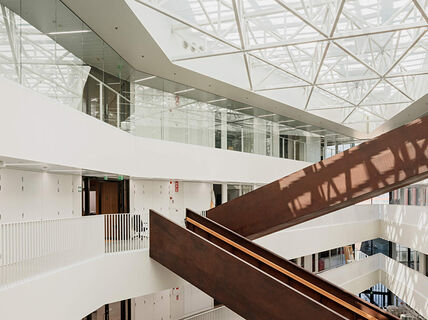
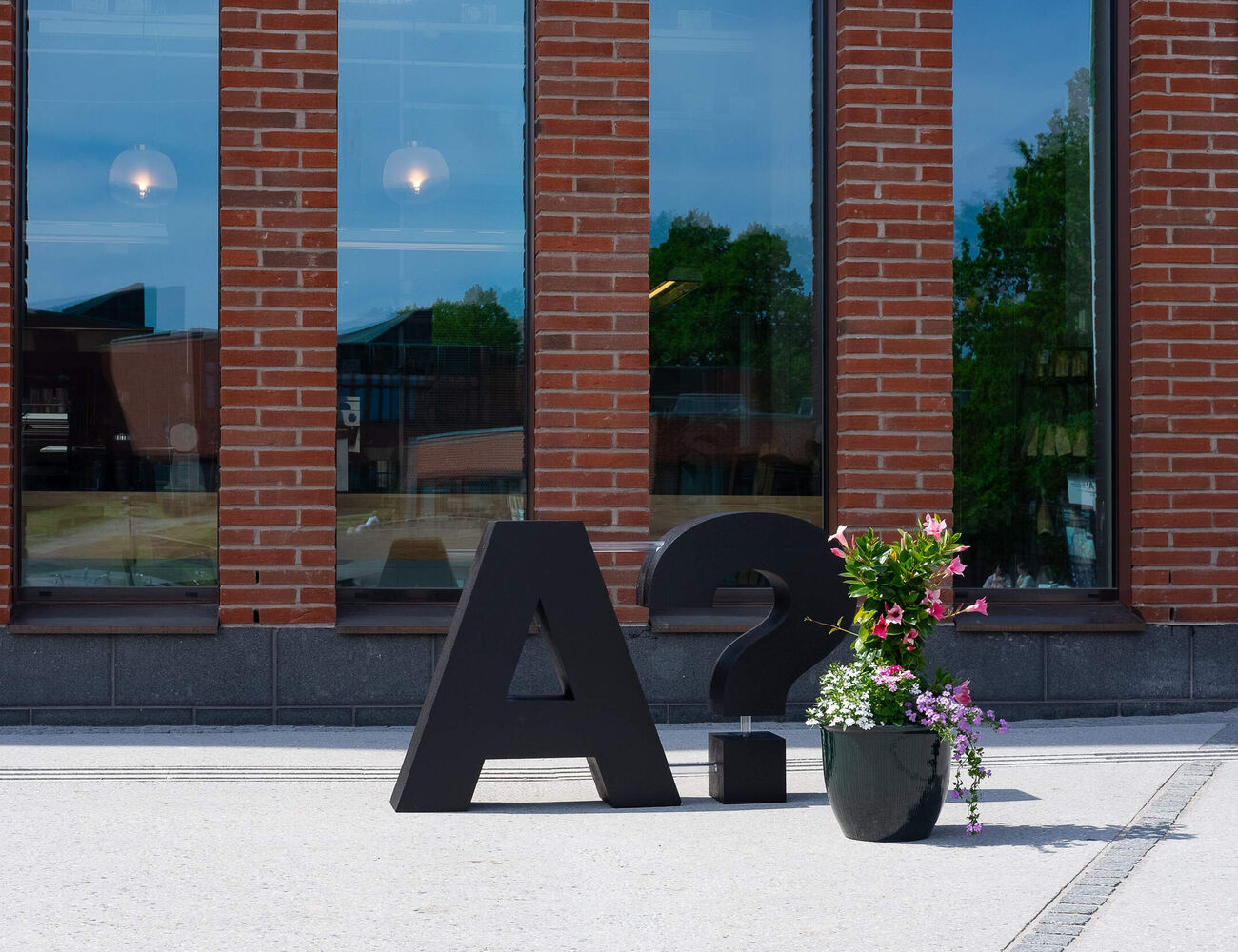
On article pages, images have three size options: Medium, Large and Extra Large. The image on the right demonstrates the differences between the sizes.
Below is an example of a single image with caption.
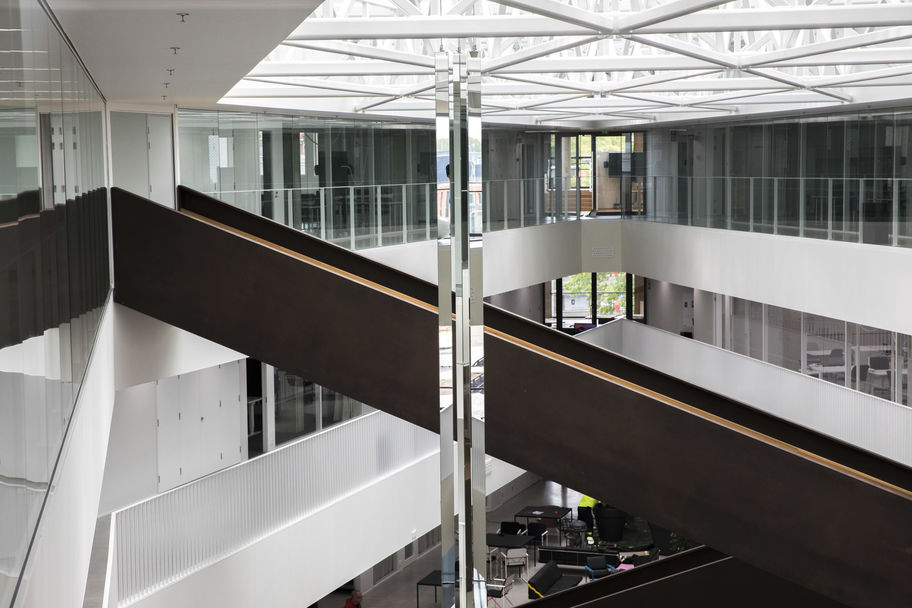
Image with text component engages your reader
Learn about media placements and default and adaptive settings.

Media gallery
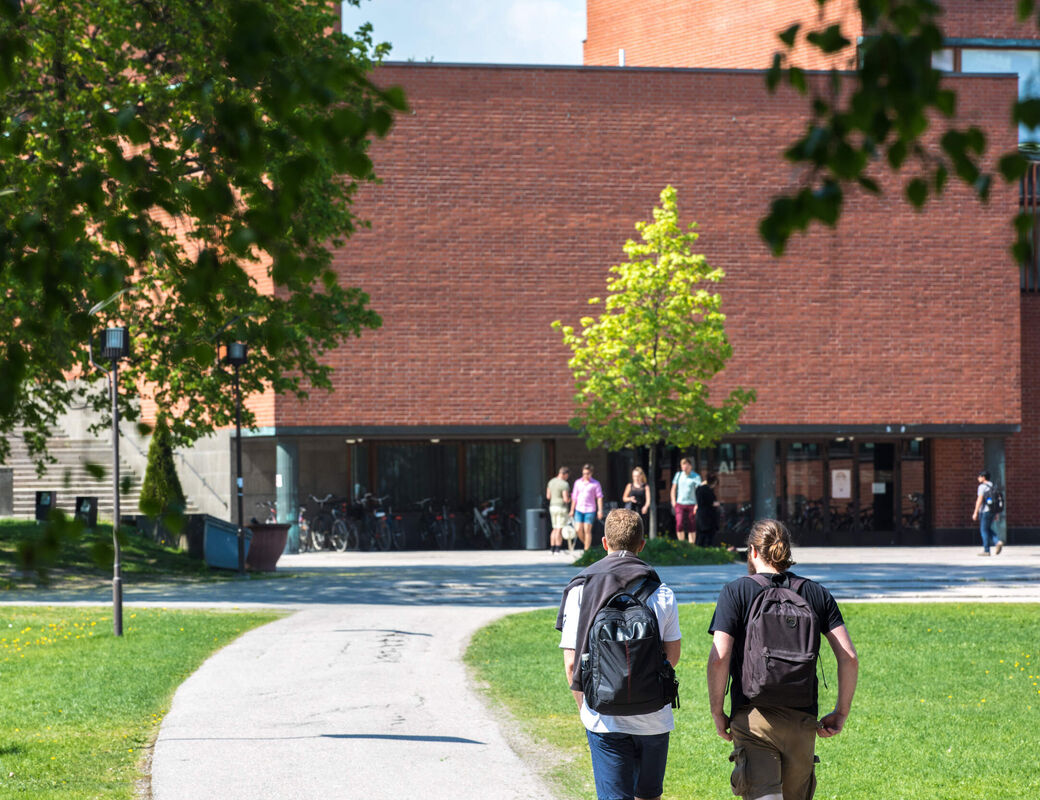
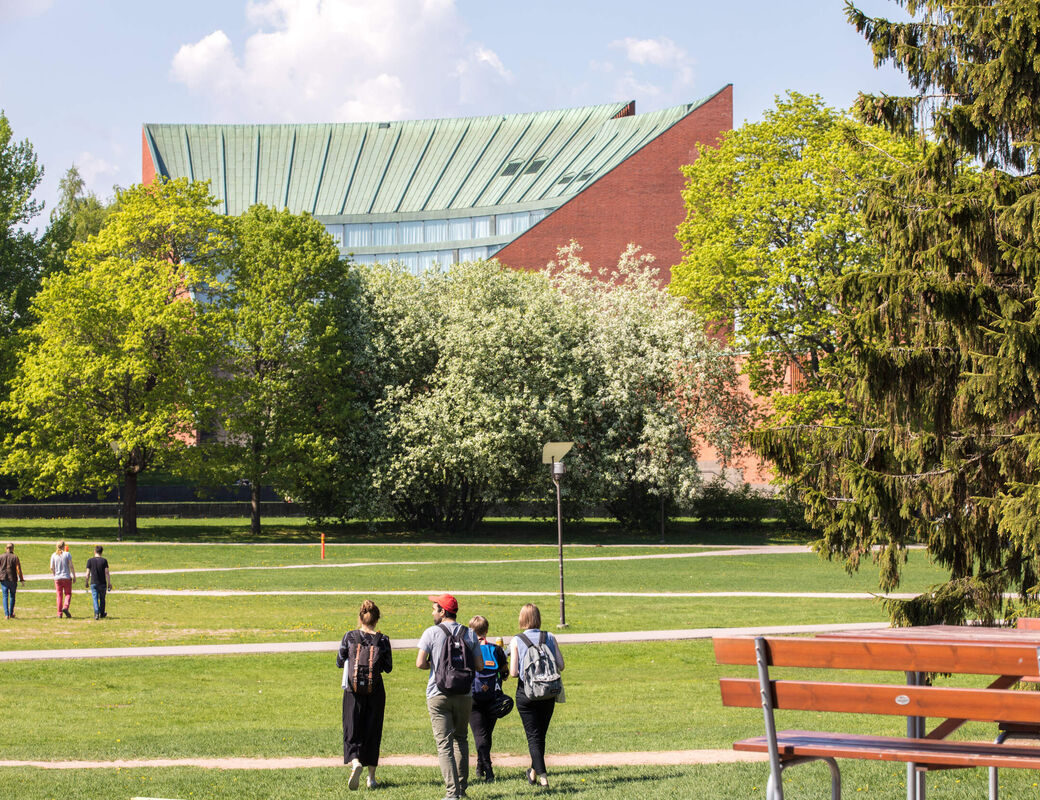
The media gallery component is a set of media elements such as images, videos or gifs grouped into a gallery. It includes a description of the gallery, and each of the media elements can have a caption. You can choose between two, three or four columns for your gallery. This is an example of a media gallery component, click the elements to enlarge them.


Advanced gallery
The advanced gallery component is a set images grouped into one or more gallery collections. For each gallery collection, the first image of the collection is displayed as the cover image. By clicking the cover image, the collection is opened and the images in it can be viewed in full screen.
Advanced gallery can be used for example for showcasing projects or for creating larger image galleries that should not take up as much space on a page.
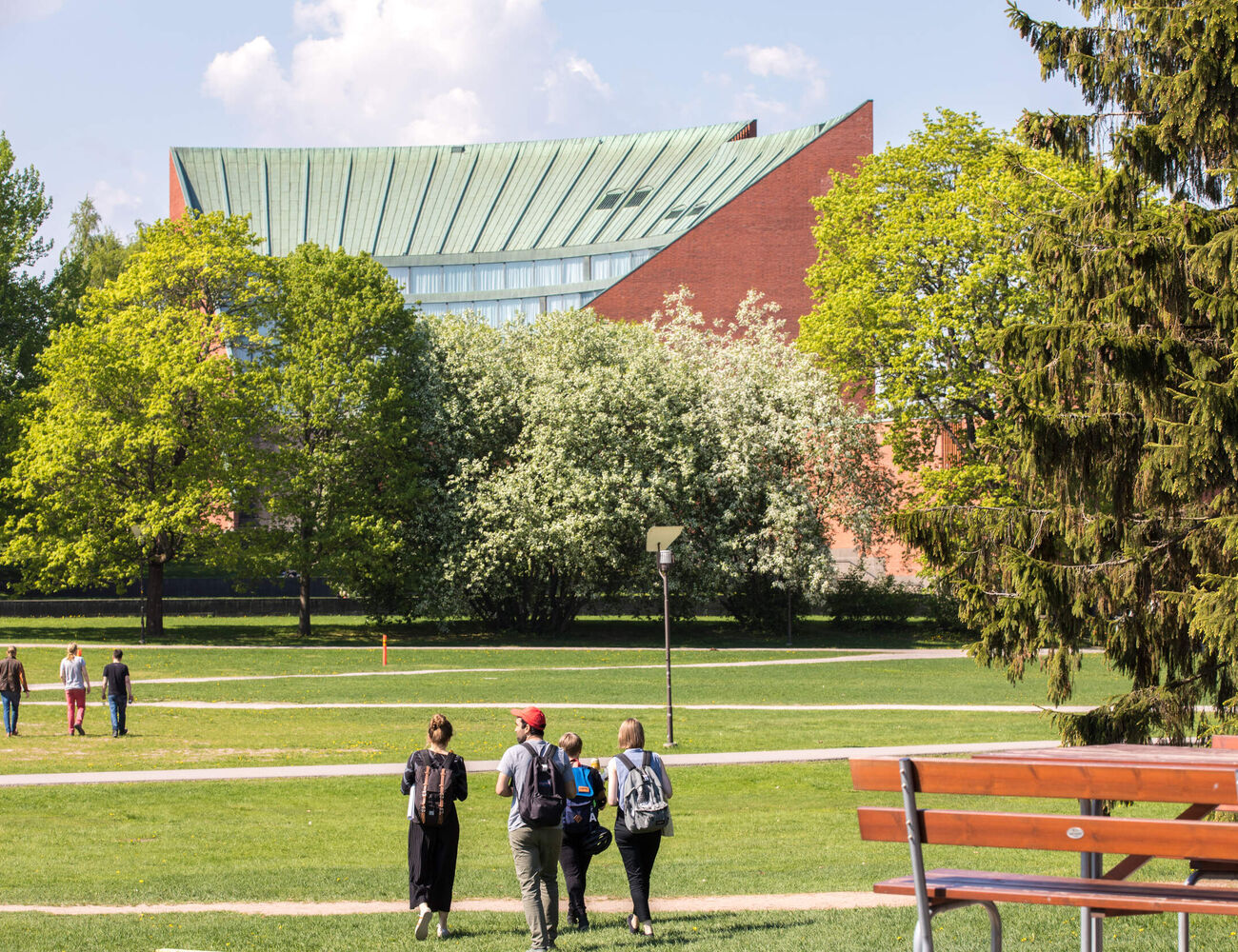
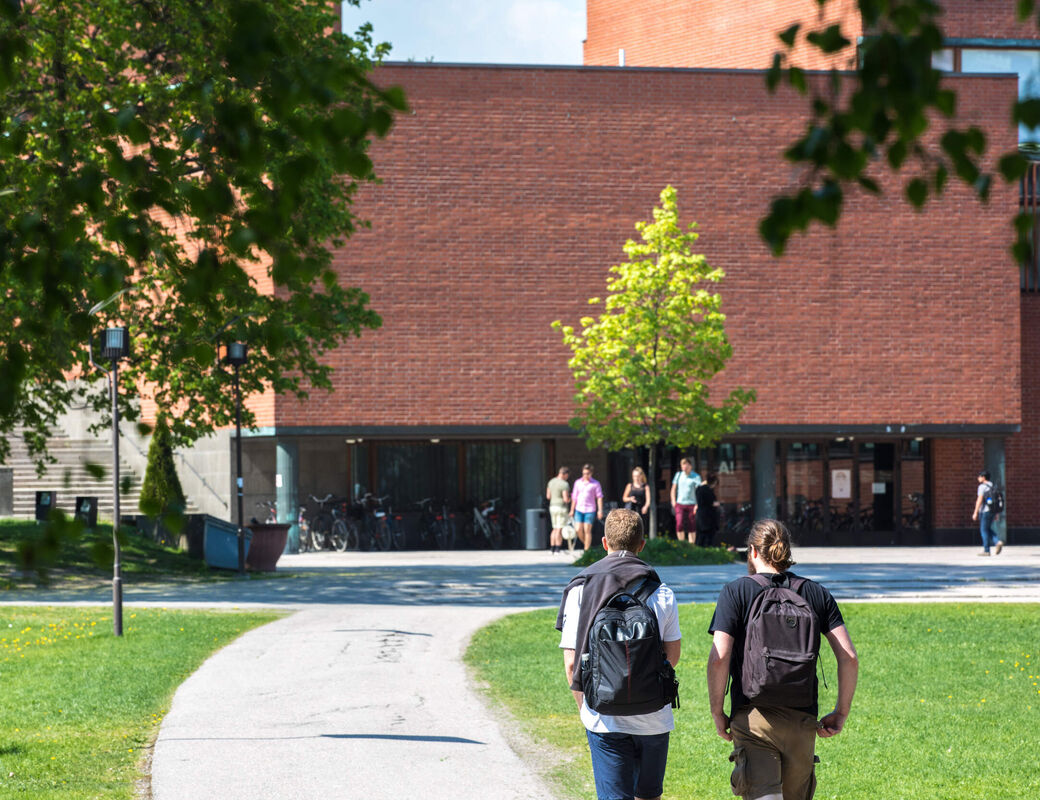
This is an example of an advanced gallery with two gallery collections, click the elements to view all images in each collection.


Using video
The video clip component integrates a video from an external or internal source into the article. Watch an example video from Aalto University's Youtube channel below.
Accessibility requirements
All videos downloaded or embedded to the aalto.fi website need to meet EU's accessibility requirements. Videos uploaded or embedded to the site after 23 September 2020 need to be captioned.