Flinga - a virtual whiteboard
With Flinga, you can engage students in discussions and ask questions on their phones, tablets, or computers. You can quickly and easily collect students' comments, questions, and responses for everyone to see. The entire class can participate in collaborative activities simultaneously.

Shortly
- Notice! Use of Flinga campus ends in January 2026! Read more: Use of Flinga campus ends | Aalto University
- Flinga is a tool for collaborative knowledge building and brainstorming that can be used during teaching sessions.
- Use Flinga only for completely public data.
Flinga provides tools for collaborative brainstorming, commenting, mind mapping, and collage creation. It can be accessed directly through a web browser and works on all devices, including smartphones, tablets, and computers.
Getting started with Flinga
Log in to the service using your Aalto account. Flinga is available to all Aalto users and can be accessed at https://edu.flinga.fi/ or https://aalto.flinga.fi.
You can create as many sessions as you like.
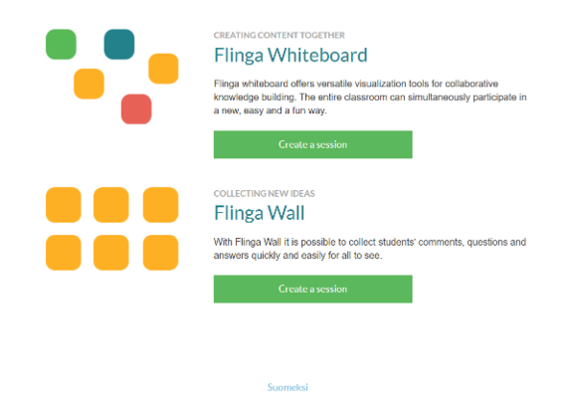
When creating a Flinga board, choose Finnish or English as the language option at the bottom. You have access to both Flinga Whiteboard and Flinga Wall. Use Flinga only for completely public data.
Flinga is a browser-based tool that does not require participants to log in. Participants can join a Flinga session via a link, an access key, or a QR code. All participants remain anonymous.
Old sessions
Lock old Flinga sessions to prevent changes by unauthorized users. Only the session creator can delete it.
Note: If you have previously used Flinga as a non-Aalto user (with a free account), those sessions will not be visible on your Aalto user account.
For more information about Flinga, visit: http://www.nordtouch.fi/flinga (in Finnish only)