






IT Service Desk contact information and service hours
Contact IT End User Support for help or information on Aalto University IT. You can visit the service desk during opening hours or ask for help by email, telephone or chat.
1. Log in to the Aalto Identity Management (IdM) portal at https://idm.aalto.fi/.
Logging in with a username and password requires multifactor authentication (MFA). Read more on multifactor authentication.
2. Select "My contact data"
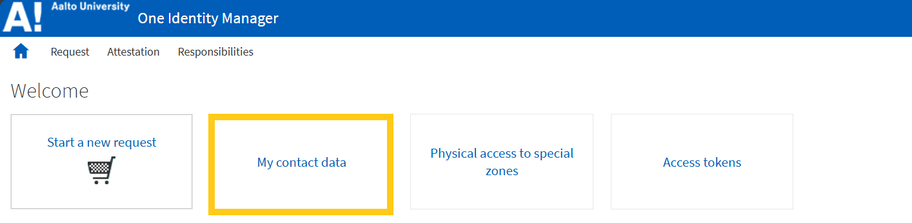
The contact data card opens.
3. On the contact data card, you can update the details for the “Office room number” and “Office post office box” fields.
Do not update any other information.
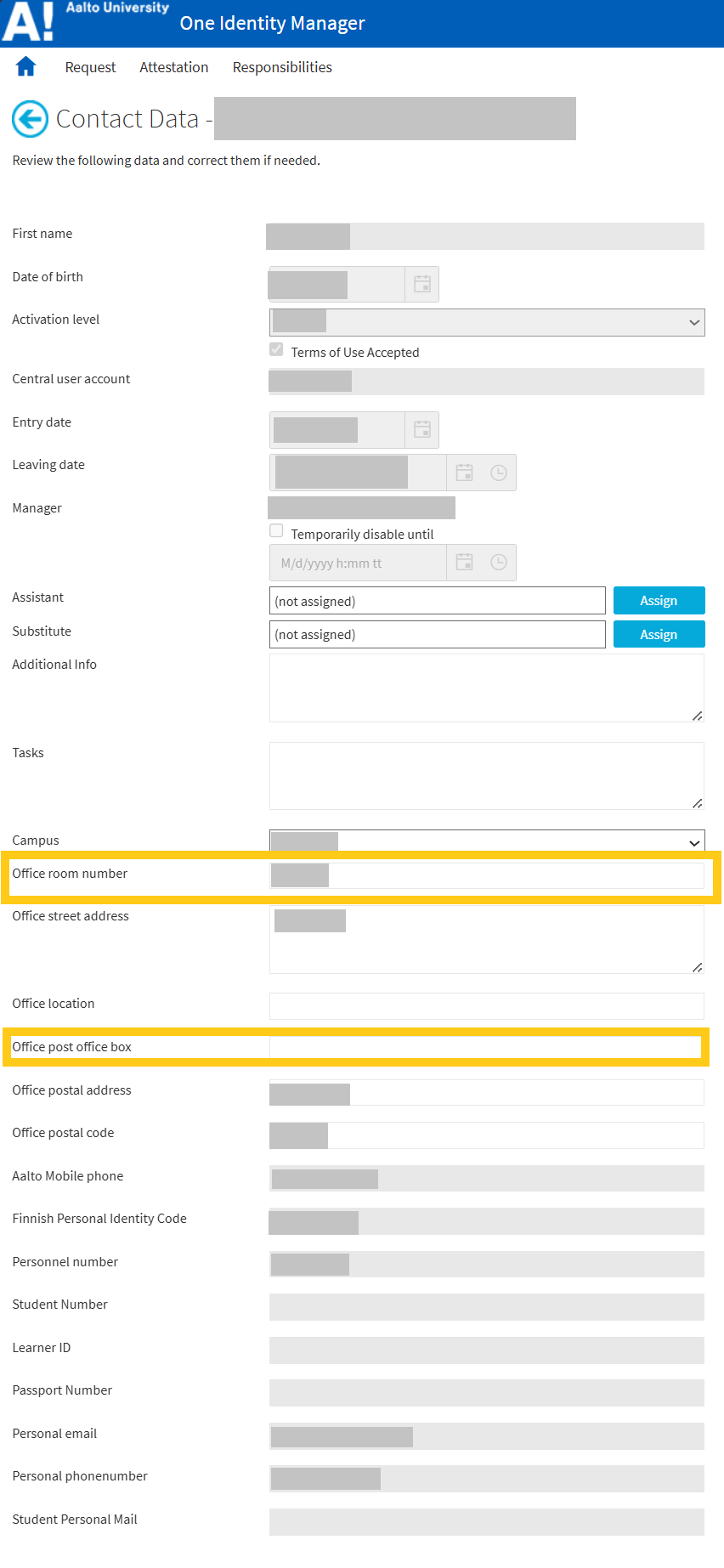
4. Click ”Save” to save the information.


Contact IT End User Support for help or information on Aalto University IT. You can visit the service desk during opening hours or ask for help by email, telephone or chat.